
The Freebox uses several distinct passwords depending on the interfaces: the one for the Subscriber Area (Free online account), the one for Freebox OS (local administration of the box via mafreebox.freebox.fr), and the one for the Wi-Fi network. Confusing these three accesses is the main cause of blockage during a recovery attempt.
Freebox OS, Subscriber Area, Wi-Fi: three passwords not to confuse
Before any manipulation, identifying the relevant password avoids unnecessary resetting. The Freebox OS password protects the local administration interface, accessible from a browser connected to the box’s network. It is used to modify network settings, port forwarding, or DHCP.
The Subscriber Area password, on the other hand, provides access to the online account on the Free website. It allows you to manage billing, options, and personal information. In case of loss, the procedure involves a recovery link sent by email, which has a limited validity period. If this link expires, a new one must be requested.
The third password concerns the Wi-Fi security key. This is found on the label stuck under or behind the Freebox (unless manually changed). It is neither an account identifier nor an administrator access. A detailed guide to resolve a forgotten password on Freebox helps distinguish these cases and apply the correct procedure according to the situation.
Reset the Freebox OS password from the local interface
Administrator access to Freebox OS is done by typing mafreebox.freebox.fr in the address bar of a browser, from a device connected to the local network of the box (Ethernet cable or Wi-Fi). If the password has been forgotten, the reset procedure relies on physical access to the box.

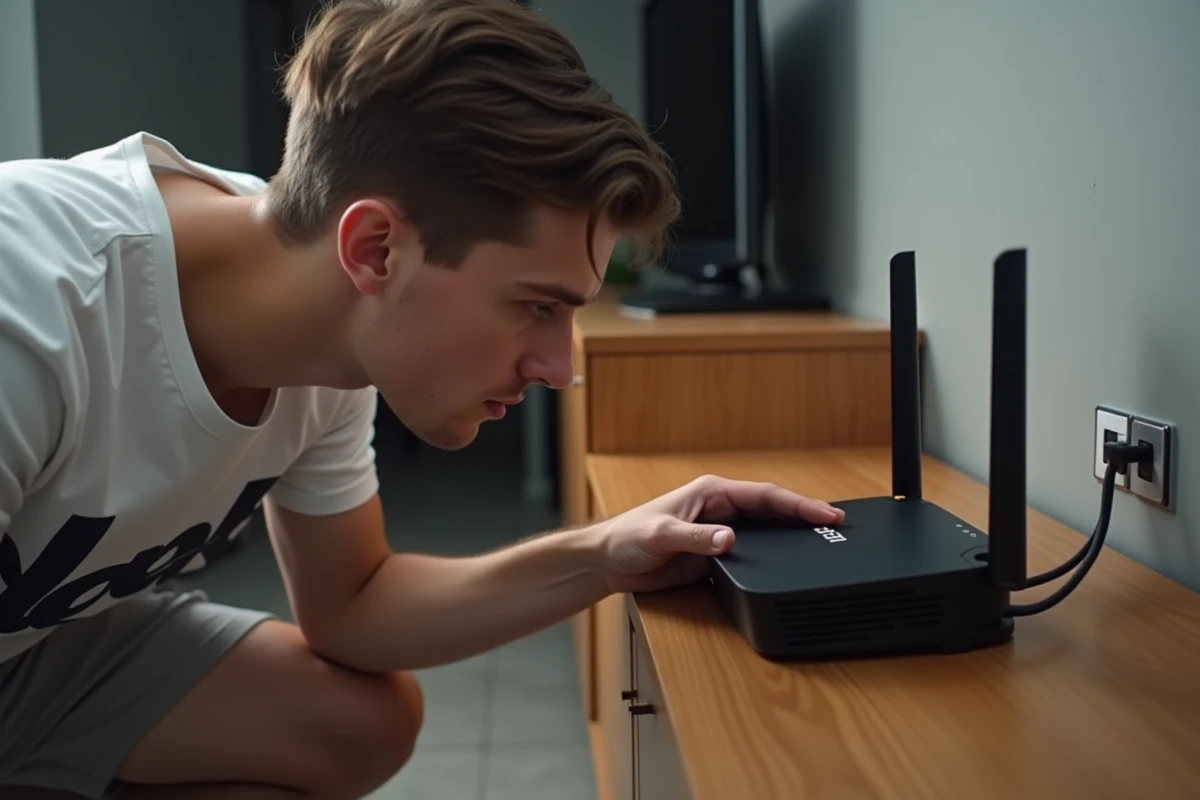
The Freebox OS login page offers a “Forgot password” link. By clicking on it, the interface asks to validate the reset directly on the touchscreen of the Freebox (for models that have one) or by physically pressing a button on the Freebox server. This step ensures that only a person with physical access to the hardware can change the administrator password.
Difference between partial and complete reset
A rarely addressed point: resetting the Freebox OS password does not erase network settings. This operation only restores administrator access. Port forwarding, DHCP configuration, and MAC filtering lists remain intact.
A complete reset of the Freebox, accessible from a reset hole at the back of the box with a paperclip, is a whole different operation. It resets all settings to their factory state, including the customized Wi-Fi key. To be used only as a last resort.
Recover the Free Subscriber Area password
The Subscriber Area is Free’s online portal, distinct from the local interface. The identifier corresponds to the phone number associated with the Freebox line. For the password, the login page offers a “Forgot password” option that sends a reset link to the email address registered during subscription.
If the email address is no longer accessible, recovery is done via postal mail. Free then sends the identifiers by letter to the contract holder’s address, which takes several business days. No recovery by phone or in-store replaces this procedure for security reasons.
- Check that the email address associated with the account is still active before starting the procedure
- The recovery link has a limited validity period: use it quickly after receipt
- In case of an obsolete email address, contact Free support to trigger the postal sending of the identifiers
Find the Freebox Wi-Fi key without administrator access
The default Wi-Fi key is printed on a physical label stuck on the Freebox (usually under the server or at the back). If this key has been manually changed via Freebox OS and administrator access is lost, you must first reset the Freebox OS password (procedure described above) before being able to view or change the Wi-Fi key.
The Freebox Connect app, installed on a smartphone, also allows you to view the Wi-Fi key of the network, provided it is already paired with the box. If the app was configured before the password was lost, it provides access to network settings without going through the browser interface.
Check for a possible temporary blockage
Recent Freeboxes include a protection mechanism against repeated attempts. After several incorrect password entries on the Freebox OS interface, access may be temporarily locked. Waiting a few minutes is usually enough to unlock the situation, without needing to reset anything.
- Do not restart attempts immediately after repeated failure: wait before retrying
- Check that the keyboard is not in caps lock mode or that the numeric keypad is activated
- Test the connection from another device to rule out a browser or cache issue
The most useful reflex remains to note the Freebox OS password in a password manager as soon as it is created. Each Free interface has its own recovery procedure, and confusing them prolongs the resolution time. By first identifying which access is blocked, the restoration of service rarely takes more than a few minutes.